A steel workbench should be selected around the task performed at it. An assembly station, a checking surface and a packing location can create different questions about working space, accessories and the surrounding workflow. For an importer or OEM/ODM buyer, the first decision is what the proposed bench must support, not which photograph looks most industrial. This selection tool helps turn the operation into a brief while leaving model-specific performance and supply arrangements To be confirmed.
Write the task as a sequence
Describe what arrives at the station, what the user does and where the item goes next. Include representative objects, tools and containers, without sending confidential production information that is unnecessary for the furniture discussion. Note which objects stay on the surface and which are moved during the task.
Ask whether the work is repeated at one location or whether the station needs to change position. Separate required functions from preferences about appearance. A general description such as heavy-duty use is not a substitute for explaining the task and requesting relevant evidence for the proposed configuration.
Identify interfaces before specifying accessories
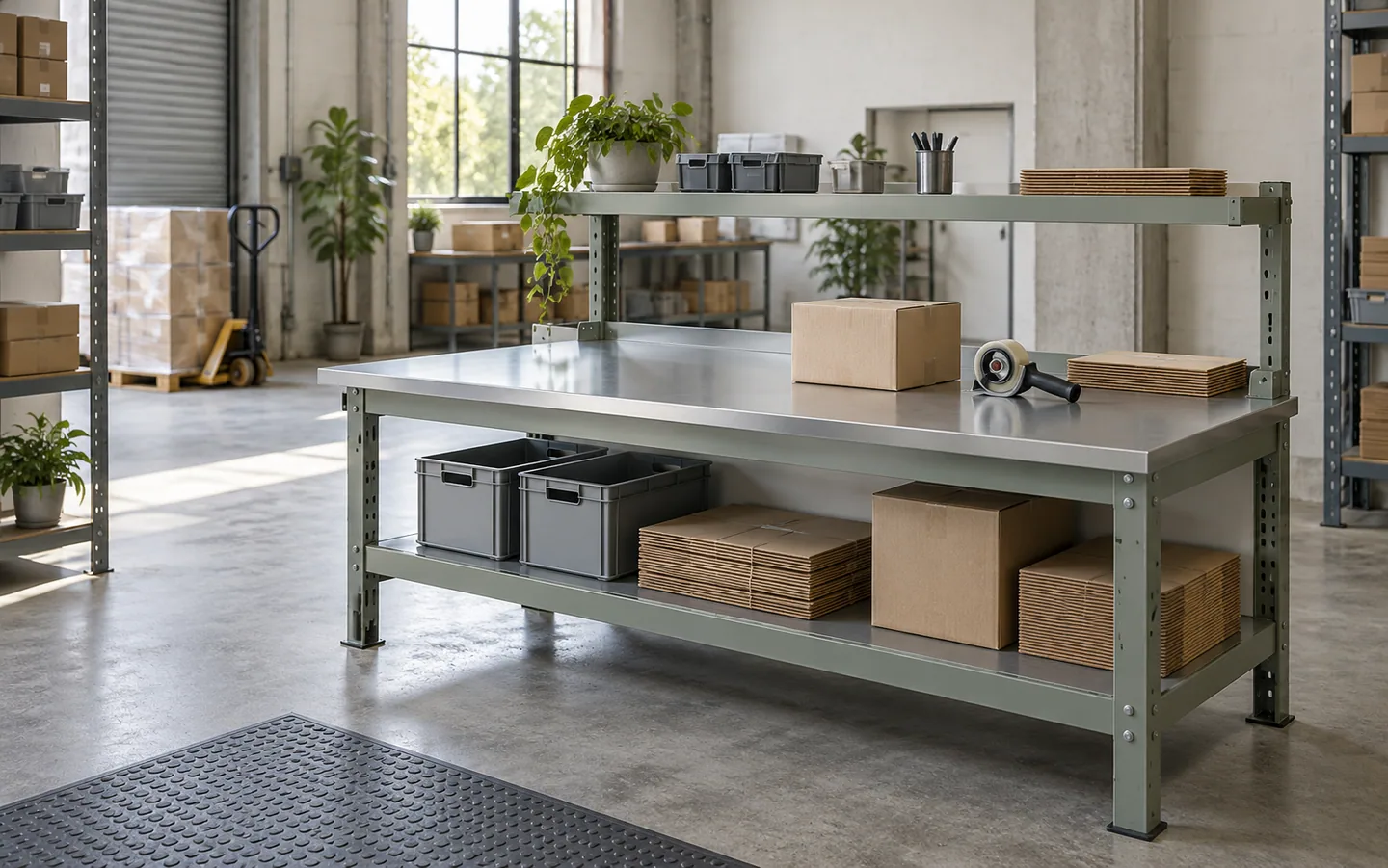
List equipment, storage or fixtures that must work with the bench. Ask the supplier what can be proposed and what information is required to review the interfaces. Do not assume that a drawer, shelf, electrical accessory or mounting arrangement is included because it appears in an illustrative scene.
Use task-based decision branches
If the operation primarily needs a clear surface, first review the usable work area and how objects approach it. If tools must remain at the station, review the storage arrangement and retrieval pattern. If the station moves between tasks, describe the route and parking requirements as a separate operating condition. Where a specialized surface or performance claim is needed, identify the requirement and request appropriate evidence rather than selecting it by appearance.
These branches can lead to different candidate configurations. They are not a substitute for an assessment of actual use or a statement that every requested combination is available. Record unresolved interfaces before a proposal is priced as a complete solution. Keep the equipment interface sketch with the accepted revision so a later accessory request can be checked against the same reference.
Complete the task and accessory matrix
| Task element | Buyer input | Proposal or evidence to request |
|---|---|---|
| Work sequence | Objects, tools and movement | Proposed usable arrangement |
| Surface | Required work outcome and applicable constraints | Proposed surface and supporting information |
| Tool access | Items retained at the station | Storage or accessory configuration |
| Movement | Fixed use or intended route | Mobility and parking questions |
| Interfaces | Equipment or fixtures to coordinate | Drawings and responsibility boundaries |
| Receiving | Destination preparation resources | Assembly and packing proposal |
Use the table to identify which decisions can be made from drawings and which require a sample, reference or other review. A completed inquiry should not imply that an unanswered performance field has been accepted.
Select candidate references with clear roles
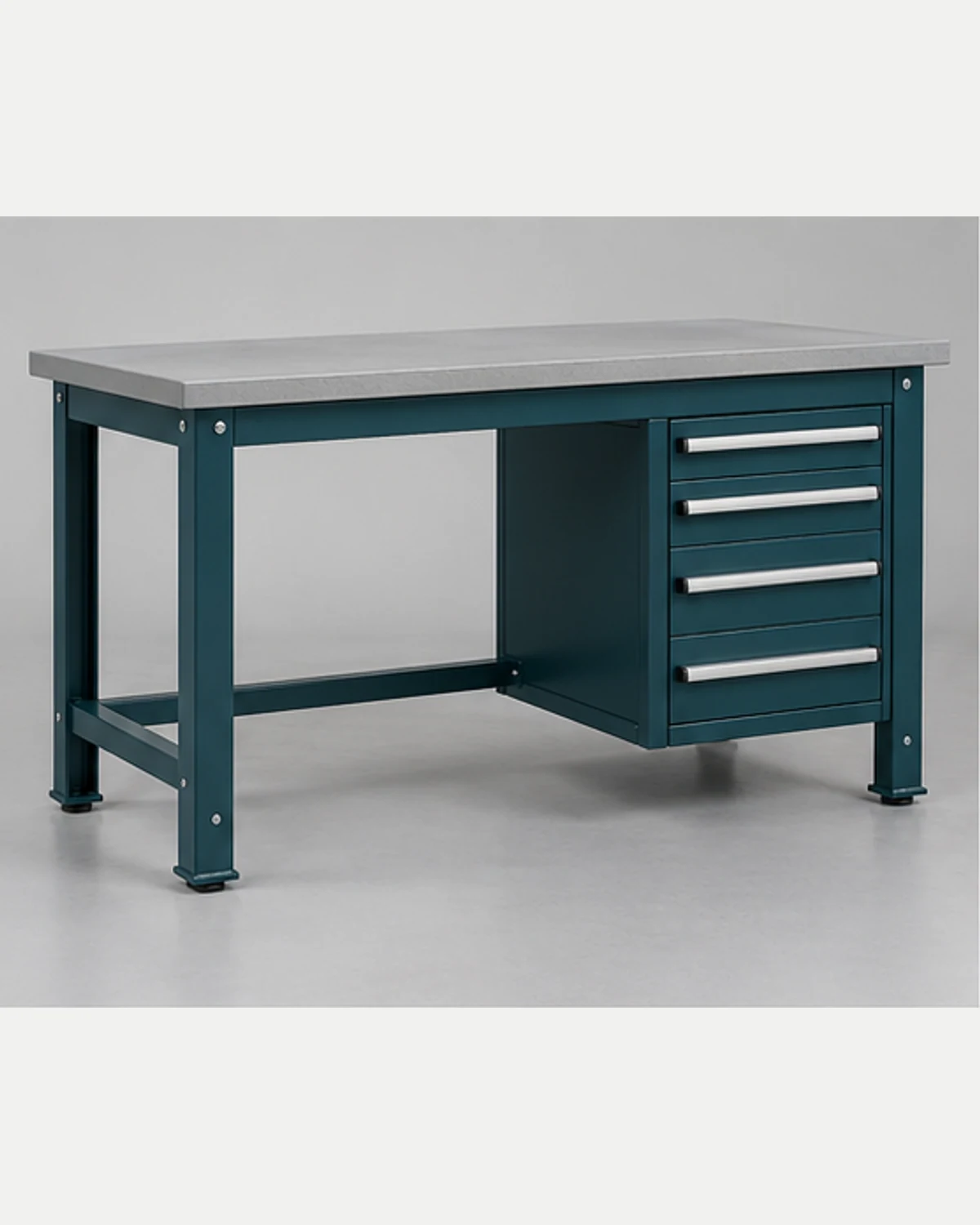
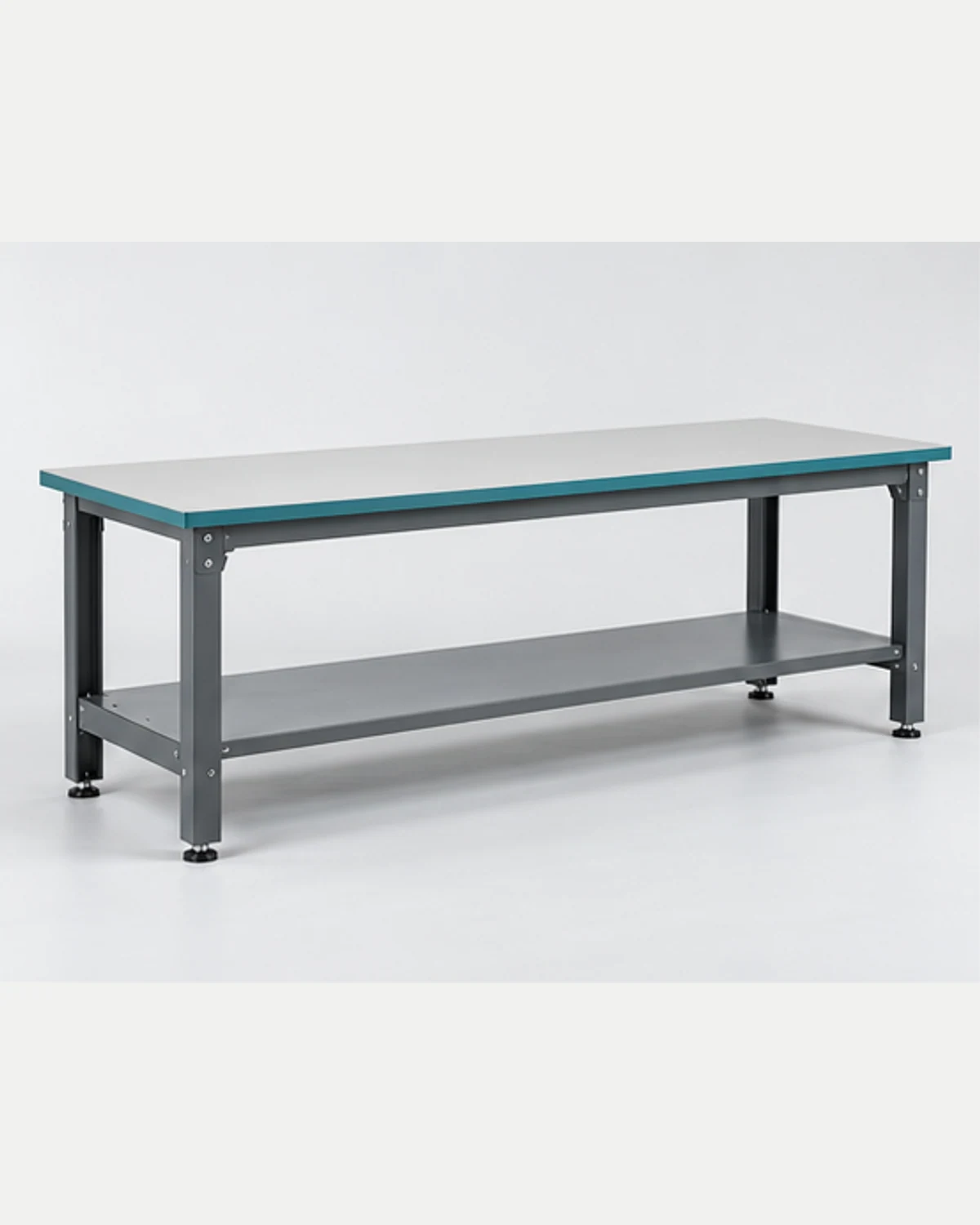
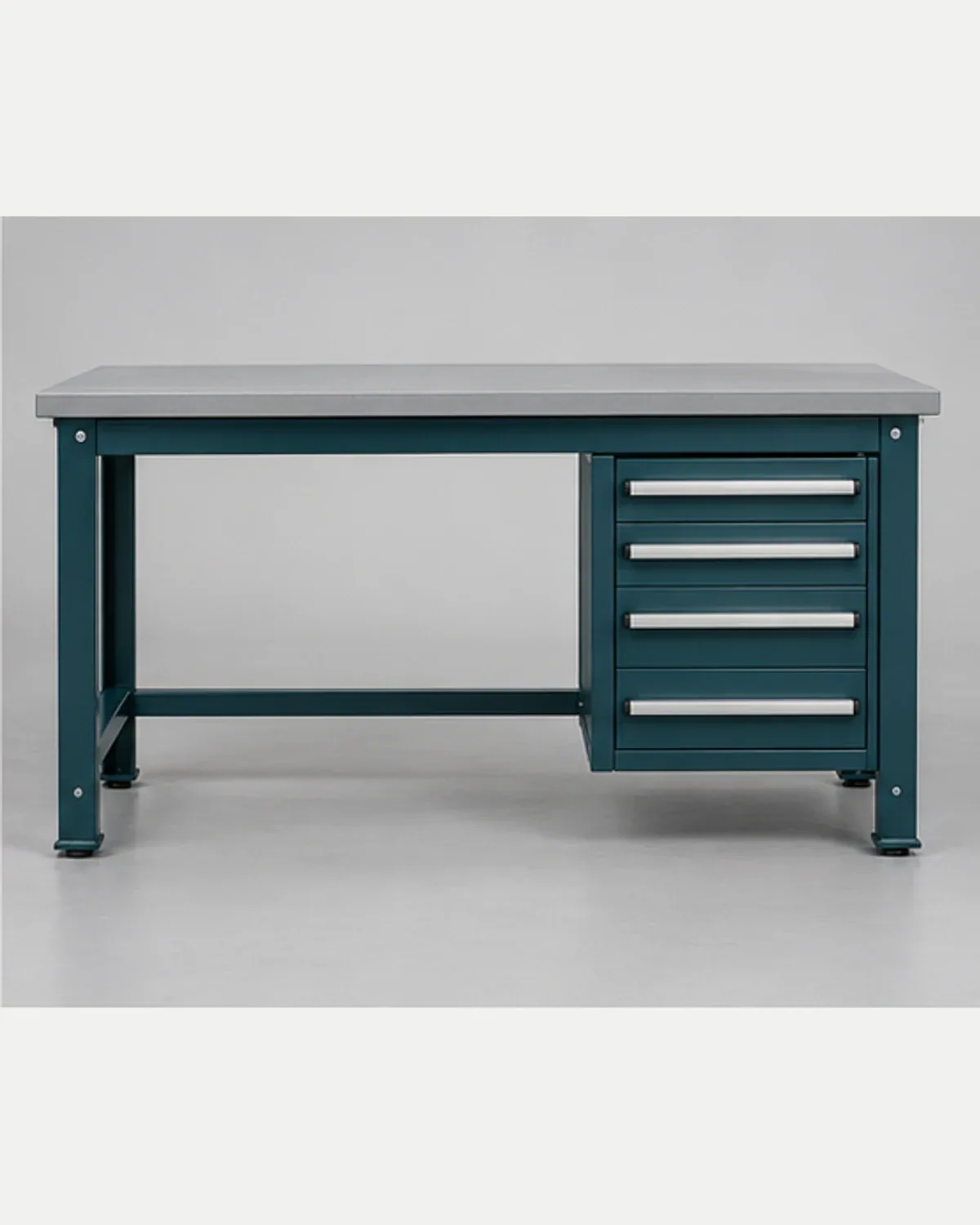
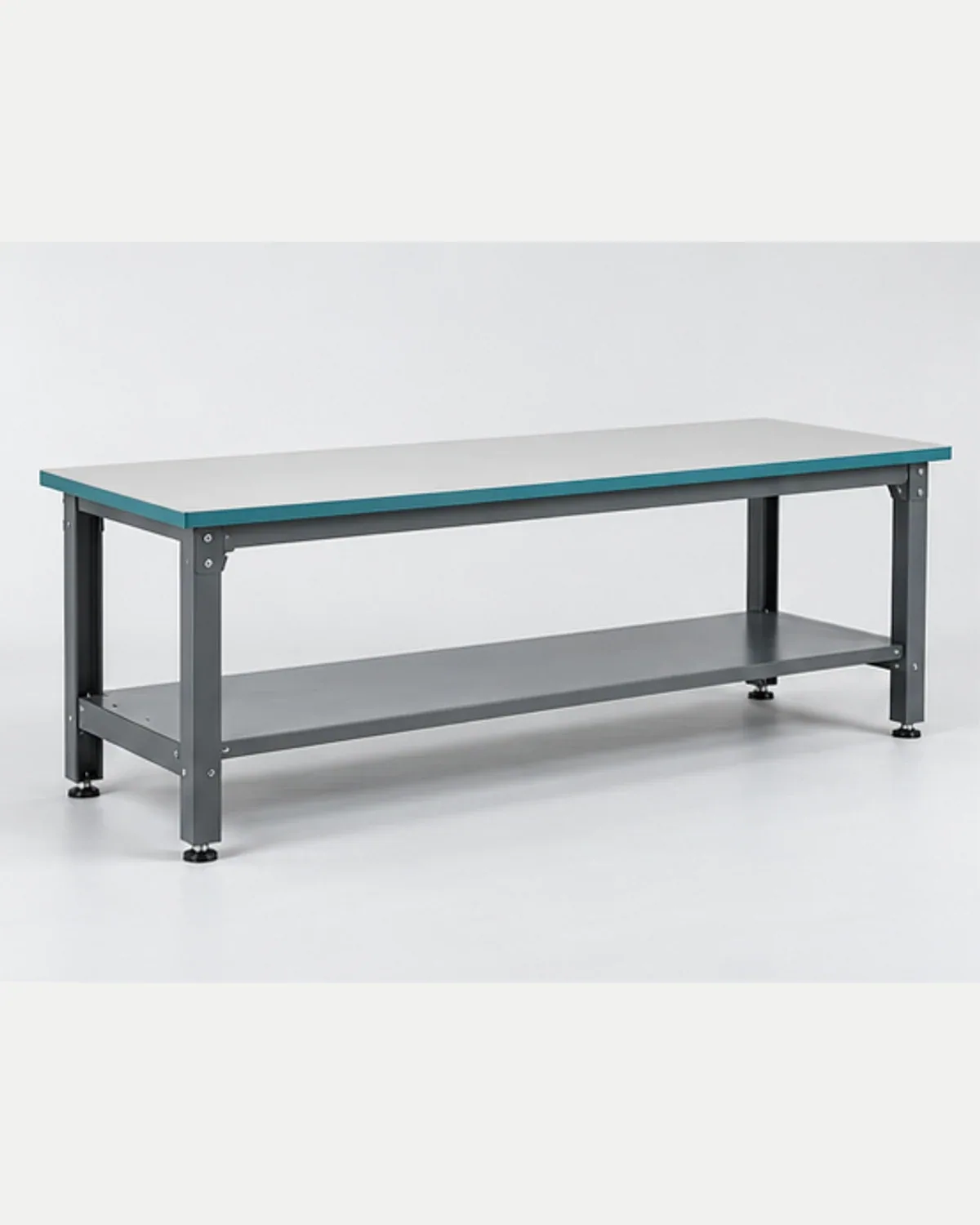
The Workbench with Drawers can support a discussion about retained tools. The Packing and Assembly Workbench provides another candidate reference for the task sequence. Names and images do not verify load, surface material, included accessories or suitability for a particular industrial process.
Use the desk and workbench category to shortlist relevant proposals. For industrial and warehousing applications, describe the working context and identify the buyer's technical approval owner. Avoid importing another supplier's rating into the requirement record as if it were a confirmed property of the selected candidate.
Separate product scope from destination work
Ask which components and accessories the quotation includes. Identify assembly, positioning and any other installation responsibilities that remain with the buyer or another party. If an OEM/ODM modification is requested, connect the changed drawing to its purpose and ask how it affects the proposed configuration and packing.
Send the task matrix, reference objects or drawings, estimated quantities and destination to the quotation team. Ask for a response that identifies assumptions and open interfaces before a final configuration is accepted. A useful proposal explains the furniture scope clearly; it should not be treated as confirmation of every equipment or process requirement around the workstation.
Buyer FAQ
Does a heavy-duty workbench name prove a load rating?
No. State the purchasing requirement and request evidence matched to the proposed construction, configuration and conditions of use. A product label or an illustrative image cannot establish a verified performance figure for an individual order.
Should accessories be selected after the bench is ordered?
Identify essential interfaces during the initial brief. An accessory can affect usable space, fitting, assembly or packing. Ask what information and approval are needed before assuming that an item can be added without changing the proposal.
What makes an OEM/ODM workbench request useful?
Provide the task sequence, marked references, required functions and unresolved interfaces. Ask the supplier to distinguish proposed solutions from confirmed details and identify the drawing, sample or evidence review needed before the changed configuration is accepted.