Steel desk cable access is a coordination topic between furniture, equipment and the people responsible for the workspace. A buyer can request routes and access features without assuming that power equipment, electrical installation or a particular certification is included. For a project procurement team, the useful brief identifies interfaces and approval owners before desks and accessories are ordered. This guide addresses that purchasing conversation, not the design or installation of an electrical system.
Map the equipment and service-access task
Ask the project team to describe the equipment intended for each desk type and which items must be moved or maintained. Identify where connections enter and leave the workspace. Use non-sensitive layout references rather than exposing network credentials, access codes or other information that is unnecessary for furniture selection.
Record which decisions belong to furniture procurement and which need review by the appropriate equipment or installation professional. A desk proposal should state what is included in its scope. Do not let a general phrase such as cable-ready become an unsupported promise that every item, installation task or compliance requirement has already been addressed.
Show the underside as well as the desktop
Ask for information about the proposed frame, supports and relevant accessory positions. A top-view room plan may not show interference below the working surface. Include proposed pedestal positions and other storage where they affect access, while keeping their fit review connected to the actual desk configuration.
Use an interface brief
The table separates buyer information from decisions needed in the proposal. It does not specify hole sizes, electrical hardware or construction details without evidence.
| Interface | Buyer input | Proposal or review needed |
|---|---|---|
| Equipment | Device locations and service routine | Furniture interfaces to confirm |
| Route | Intended connection and exit locations | Proposed cable-access arrangement |
| Structure | Current desk and storage layout | Relevant underside drawing |
| Movement | Items moved during normal use | Access and obstruction questions |
| Installation | Responsible equipment or site roles | Scope and approval boundaries |
| Revision | Changes after the initial layout | Affected drawing and accessory records |
Mark unresolved interfaces and identify who can approve them. A buyer can compare furniture proposals more fairly when respondents are not forced to interpret an incomplete equipment layout in different ways.
Evaluate the proposed desk configuration
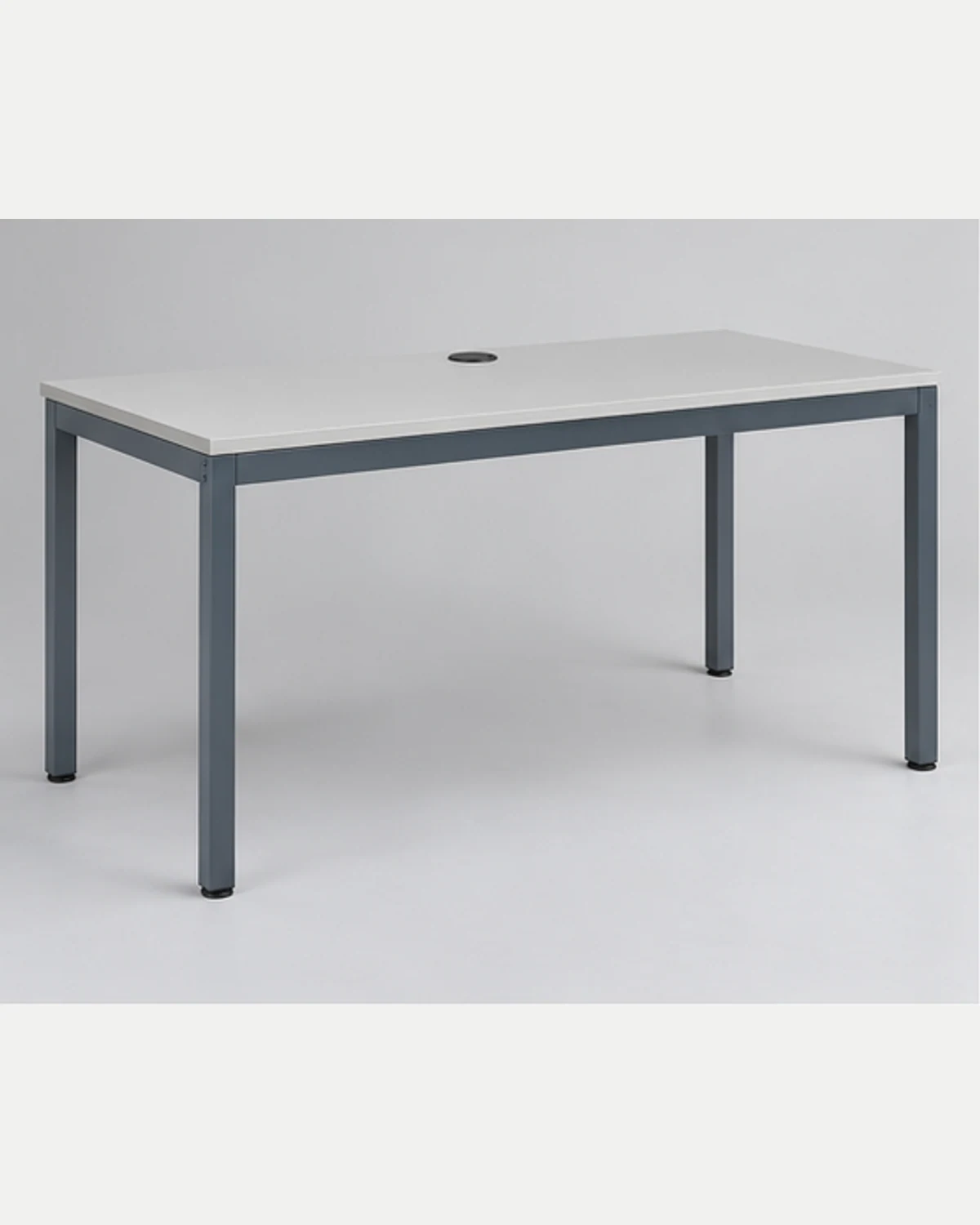
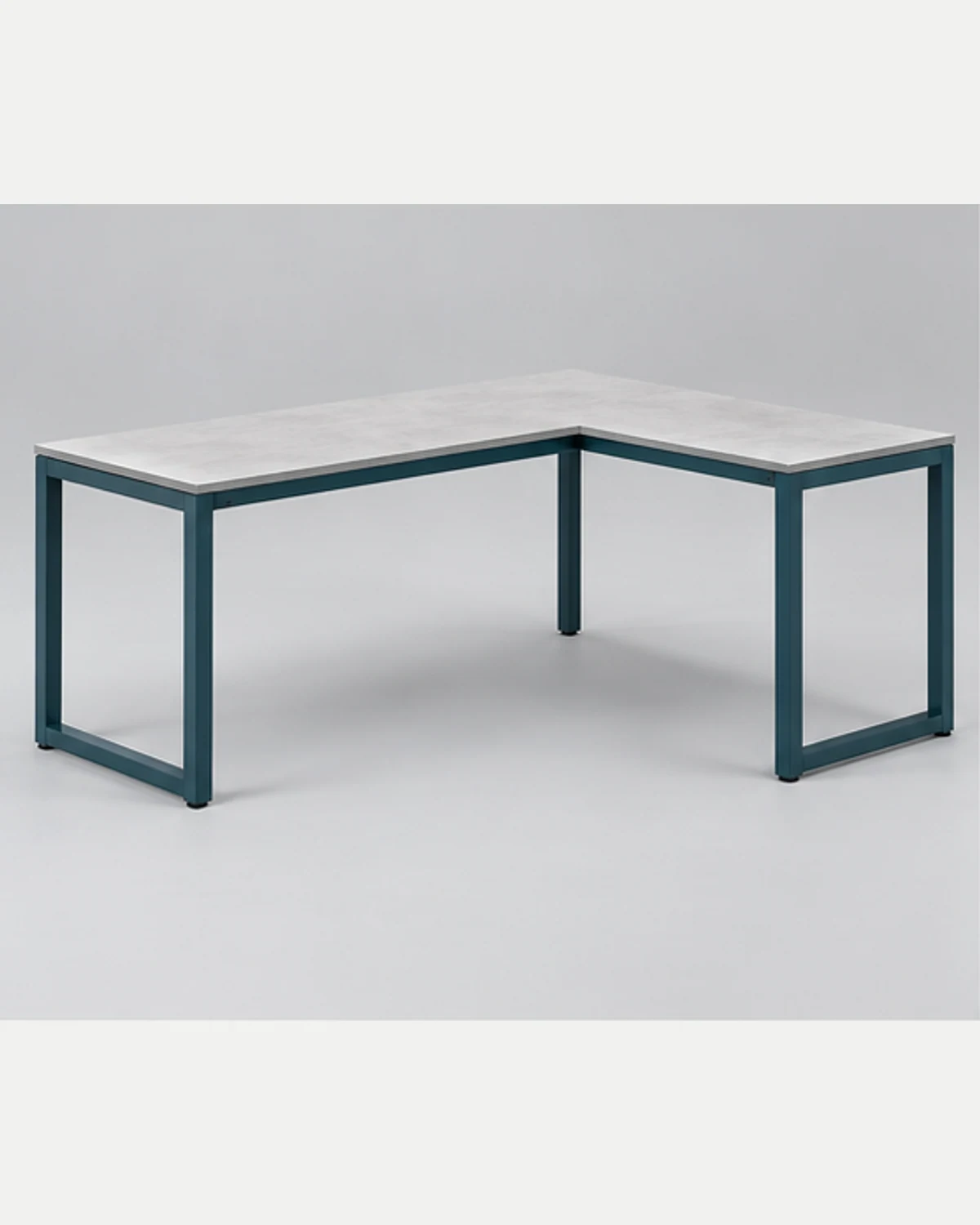
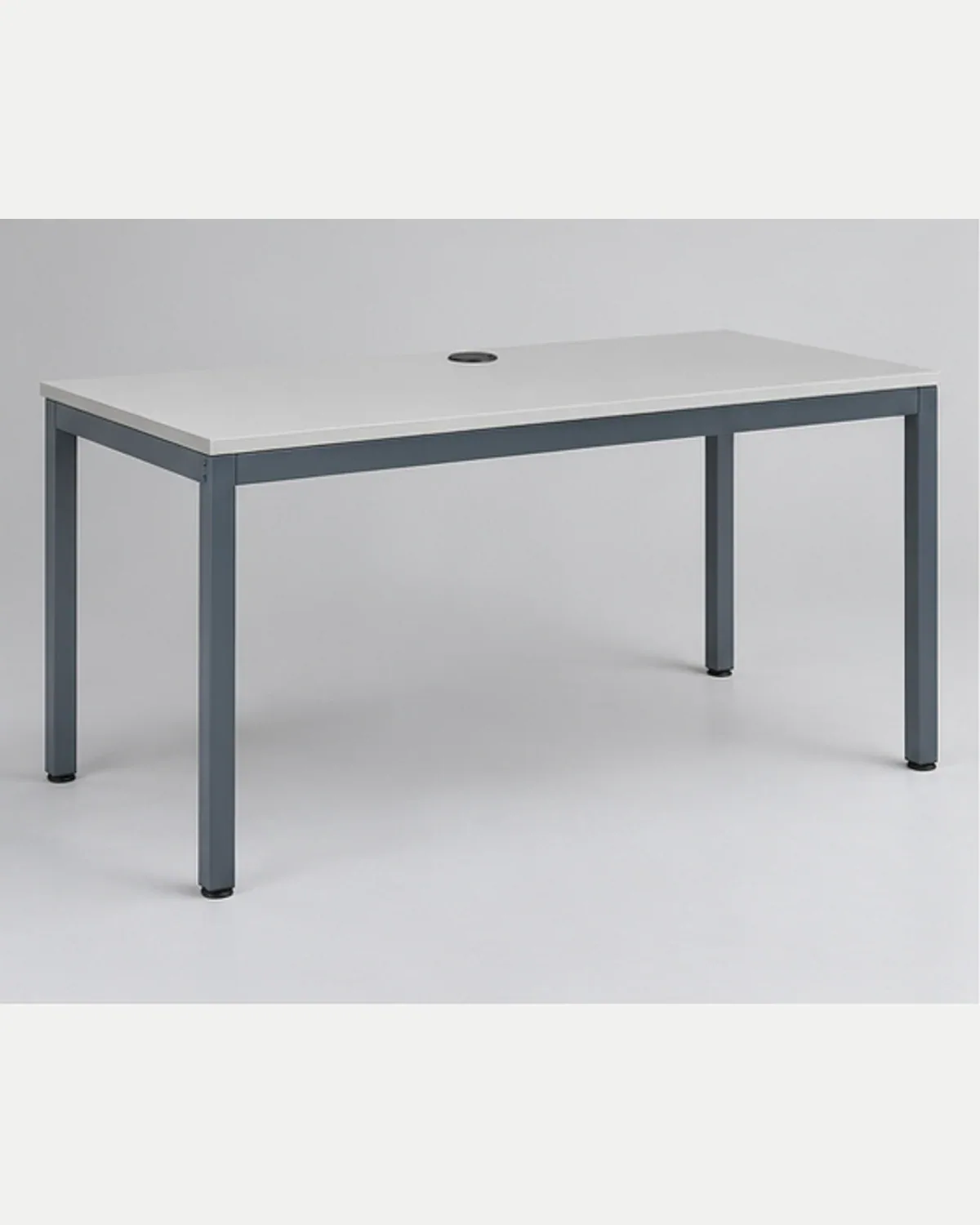
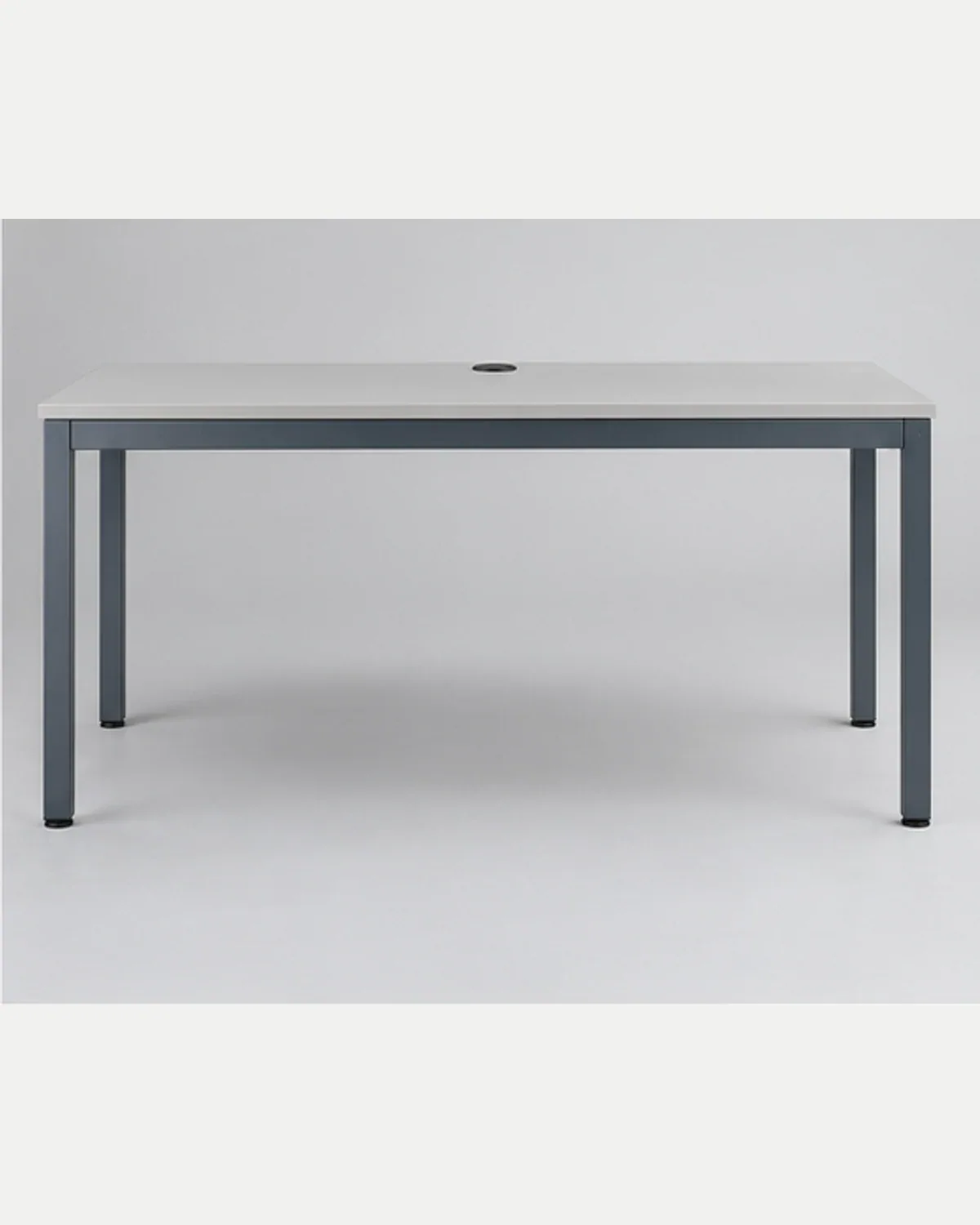
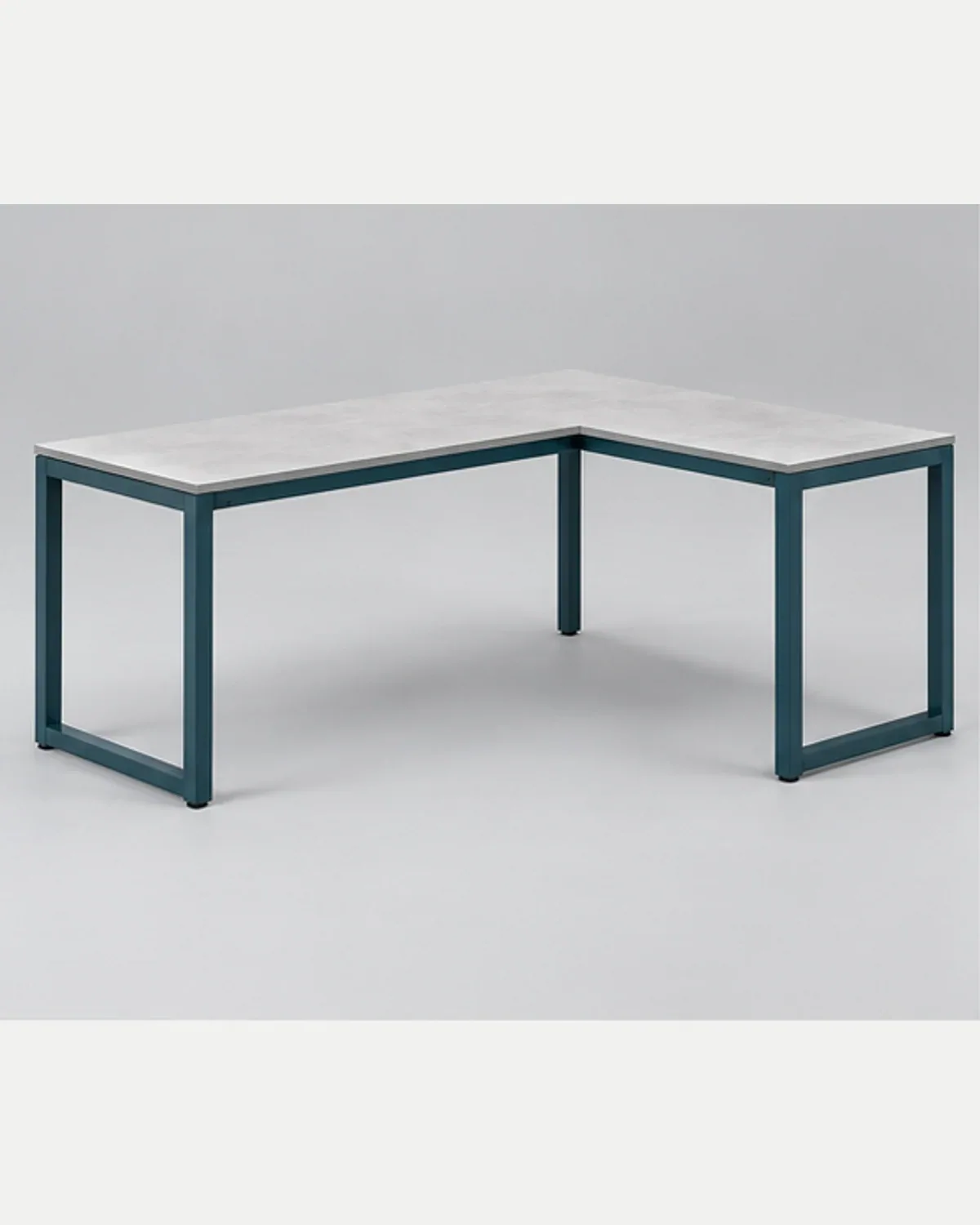
The Steel Computer Desk and Steel L-Shaped Desk provide distinct candidate references. Their names do not confirm a particular cable route, included equipment package or internal clearance. Ask for the proposal and drawings relevant to the intended workstation.
Review the desk and workstation category to shortlist options. For corporate offices, describe which desk types share an equipment routine and which differ. A coordinated appearance does not mean that every location has the same access needs or installation scope.
Treat service access as part of the decision
Ask the facilities or equipment team how users and maintainers will reach the relevant connections. Note nearby partitions, storage and other potential obstructions in the planning record. The purchasing brief should identify these questions without offering a universal arrangement that has not been reviewed for the actual site.
Where the buyer requests a particular opening, tray or accessory, explain the task it supports. Ask what can be proposed and what further information is needed. Avoid turning a feature illustrated on another desk into a confirmed part of the selected candidate. Model dimensions, material requirements, fittings and functional details remain To be confirmed.
Manage changes in an OEM/ODM order
A changed frame, worktop arrangement or storage position may affect interfaces already discussed. Use a marked drawing and ask the respondent to identify the consequences for the proposed configuration. Record which earlier decisions remain applicable and which require another review. Do not assume that a change is purely visual because the external style remains similar.
Send the interface table, candidate references, estimated quantities and destination to the procurement contact team. Request a quotation that distinguishes furniture, proposed accessories, excluded equipment and destination work. The goal is an understandable division of responsibilities, with the relevant specialists reviewing their own requirements before an order describes the arrangement as agreed.
Buyer FAQ
Does cable access mean electrical equipment is supplied?
No inclusion should be assumed from that phrase. Ask the quotation to identify the furniture features, accessories and equipment it proposes, together with installation exclusions. Relevant electrical or equipment decisions need review by the appropriate responsible professionals.
Why should a buyer request an underside drawing?
The underside can contain supports and accessory positions that are absent from a room's top view. Ask for the proposed configuration and review it with pedestal locations, equipment and the access tasks the workstation must support.
Can a layout change be approved only by appearance?
Not when it affects an interface or access routine. Identify the changed references and ask which drawings, accessories or earlier decisions need review. Keep the current approval record connected to the configuration actually being proposed.